
O que você está procurando
?


A máquina de escultura em pedra durável Ela foi projetada para produção industrial contínua, mas há momentos em que precisa ficar ociosa — durante feriados, realocação de fábrica, mudanças sazonais na demanda ou transporte internacional.
Muitos operadores cometem o mesmo erro: ligam a máquina e começam a usinar imediatamente. Infelizmente, essa é uma das maneiras mais rápidas de reduzir a vida útil de componentes caros, como o eixo, as guias lineares, os fusos de esferas, as bombas e o sistema de controle eletrônico.
Neste guia, explicaremos o que acontece com uma máquina durante longos períodos de inatividade, as cinco inspeções essenciais antes de reiniciá-la e várias dicas de manutenção que podem ajudar a evitar paradas dispendiosas.
Por que reiniciar uma máquina CNC ociosa é diferente?
Uma máquina que não funciona há várias semanas não está nas mesmas condições de uma que estava funcionando ontem.
Durante períodos de inatividade:
Nenhum desses problemas pode ser visível externamente, mas, em conjunto, podem afetar seriamente a precisão da usinagem e a confiabilidade da máquina. Em vez de presumir que tudo está normal, dedique alguns minutos a inspecionar a máquina antes do início da produção.
Cinco verificações essenciais antes de reiniciar
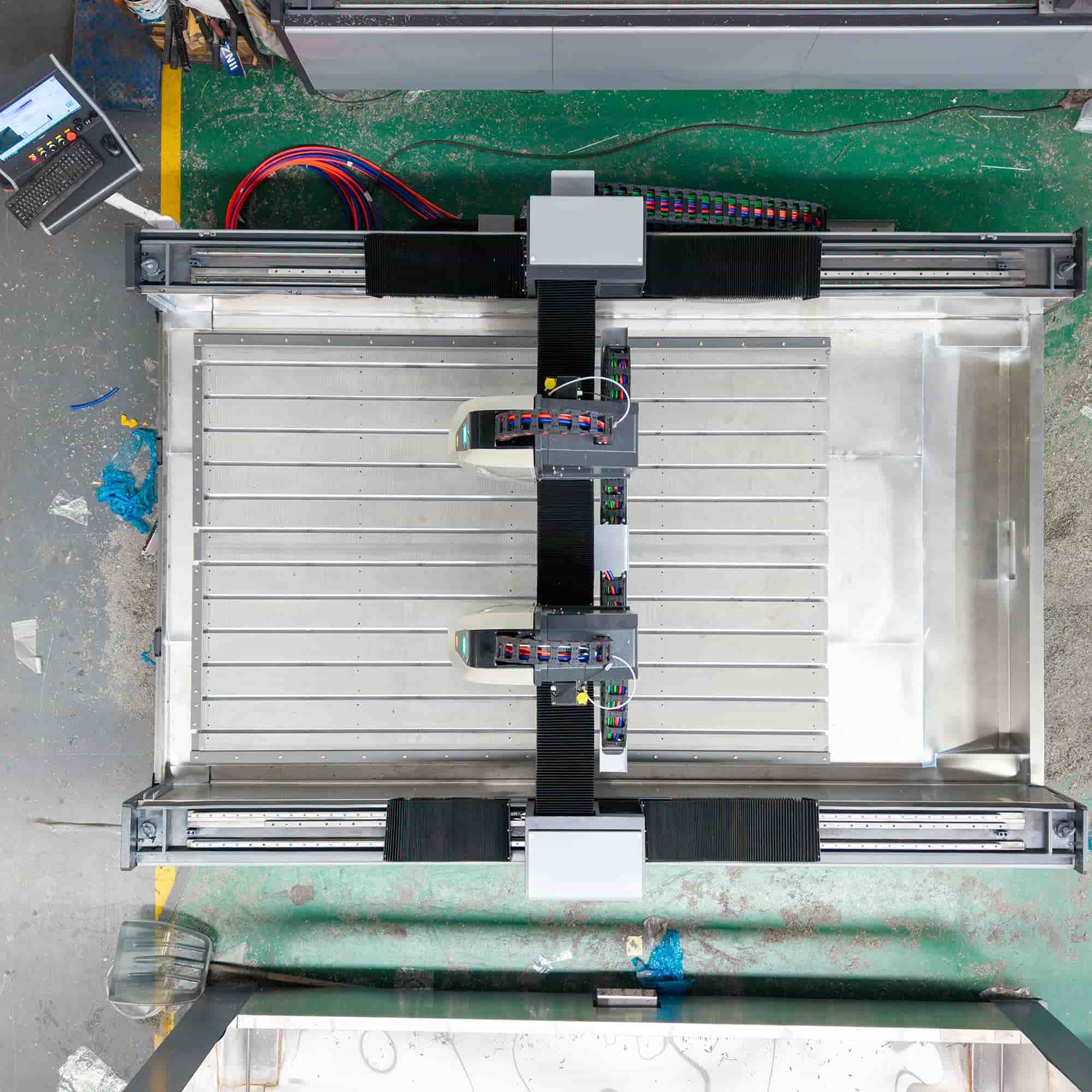
1. Limpe toda a poeira da máquina.
A poeira é mais do que um problema estético. O pó de pedra é extremamente fino e frequentemente se mistura com a umidade, criando depósitos condutores que podem afetar componentes elétricos.
Preste especial atenção a:
Utilize ar comprimido limpo ou um aspirador de pó suave próprio para equipamentos elétricos. Evite aplicar pressão de ar excessiva diretamente sobre placas de circuito sensíveis.
2. Substitua a água de refrigeração.
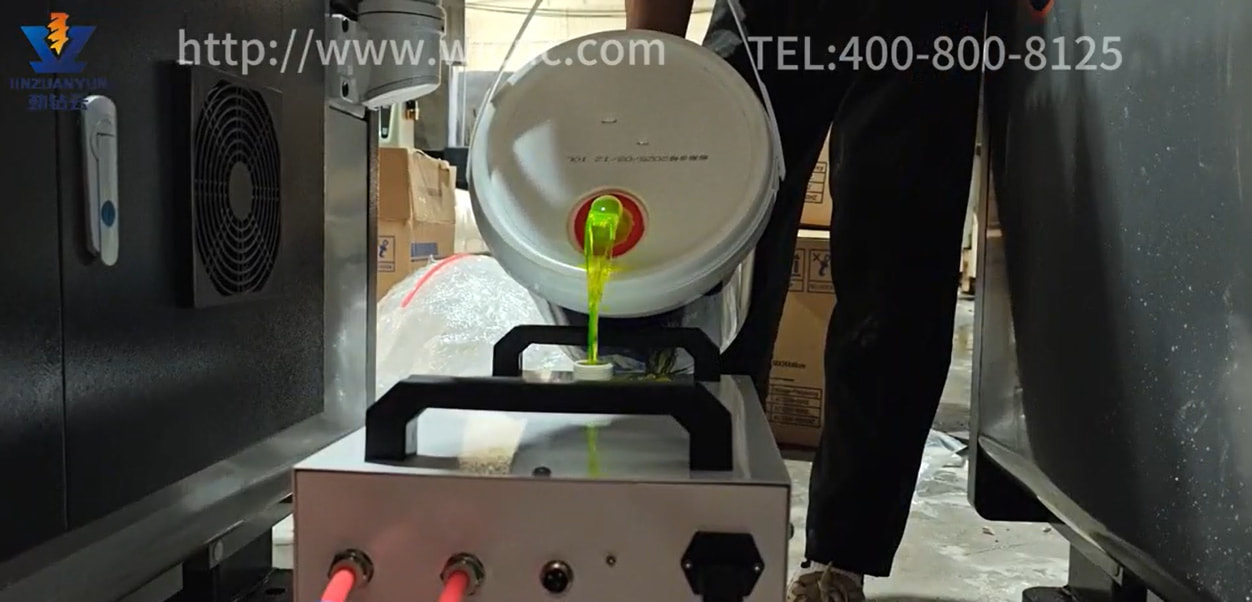
Se o seu resfriador de água estiver inativo há semanas, o líquido refrigerante deve ser substituído antes de entrar em operação.
A água velha pode conter:
Esses contaminantes reduzem a eficiência do resfriamento e podem eventualmente obstruir o sistema de resfriamento do fuso.
Para obter os melhores resultados:
Evite água da torneira não tratada sempre que possível, especialmente em regiões com água dura.
3. Relubrifique os trilhos-guia e os fusos de esferas.
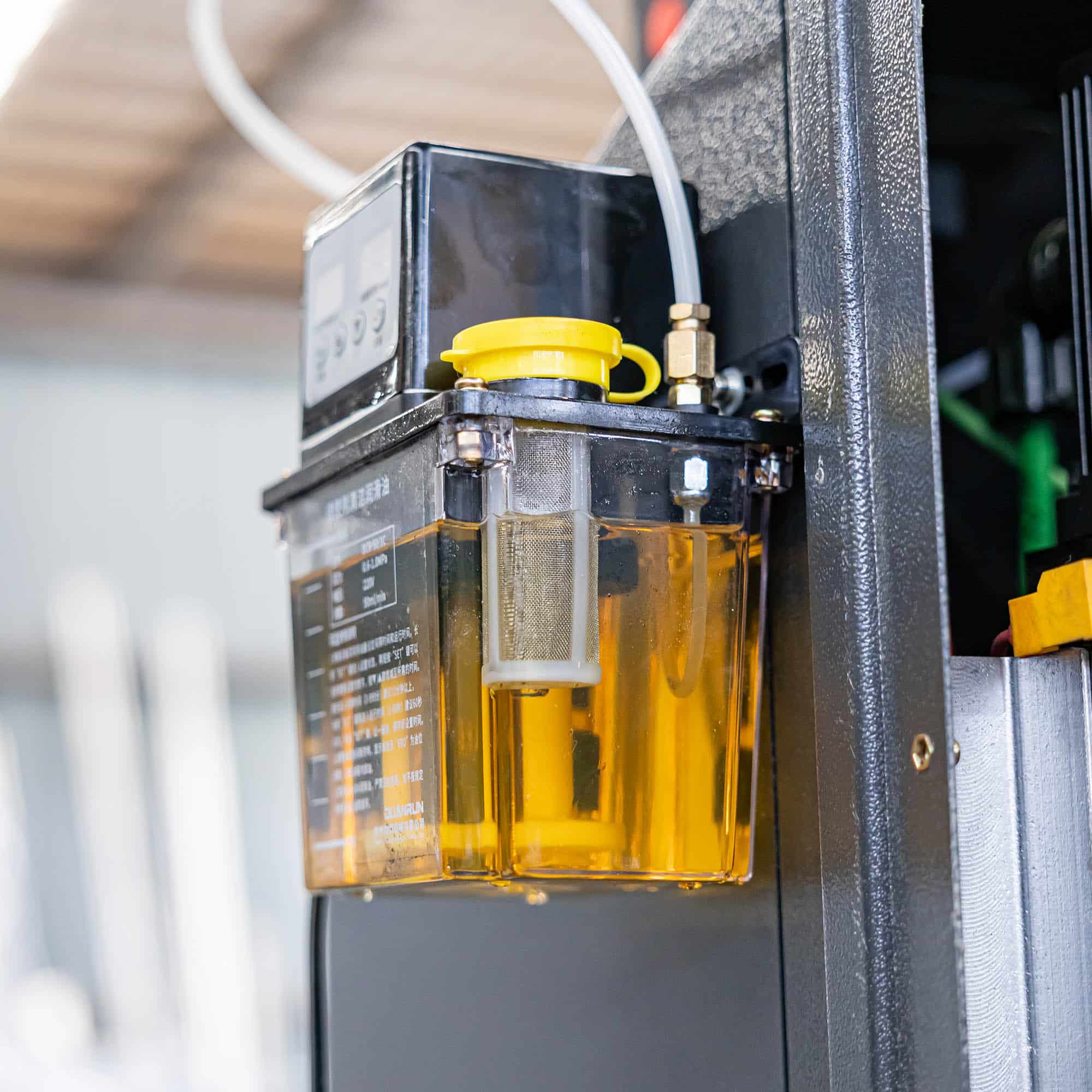
A lubrificação é fundamental para a precisão do movimento. Após semanas de inatividade, a película de óleo que protege os trilhos-guia e os fusos de esferas pode não fornecer lubrificação suficiente.
Antes da usinagem:
Operar trilhos-guia a seco — mesmo que por apenas alguns minutos — pode acelerar o desgaste e reduzir a precisão do posicionamento.
4. Ligue e inspecione o sistema de controle.
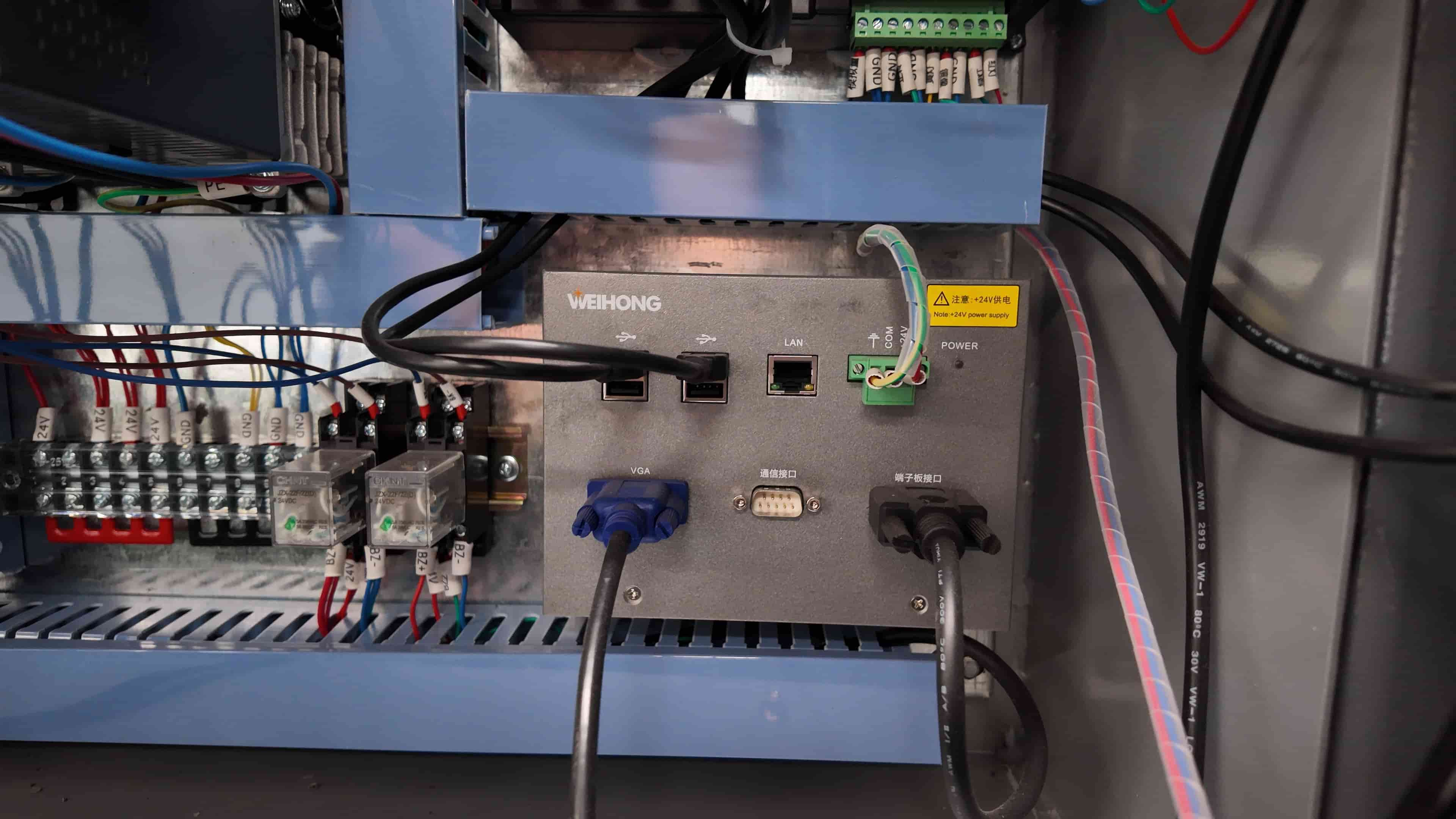
Após a conclusão da manutenção mecânica, ligue a máquina com cuidado, em vez de carregar imediatamente um programa de usinagem.
Verificar:
Se algum alarme aparecer, identifique e resolva o problema antes de continuar. Uma inspeção rápida agora pode evitar falhas muito maiores mais tarde.
5. Realize uma corrida de aquecimento
Mesmo que tudo pareça normal, evite iniciar a produção imediatamente.
Em vez de:
Esse processo de aquecimento permite que os rolamentos, a lubrificação e os componentes mecânicos retornem às condições normais de funcionamento. Se algo parecer incomum, pare imediatamente e investigue antes de continuar a produção.
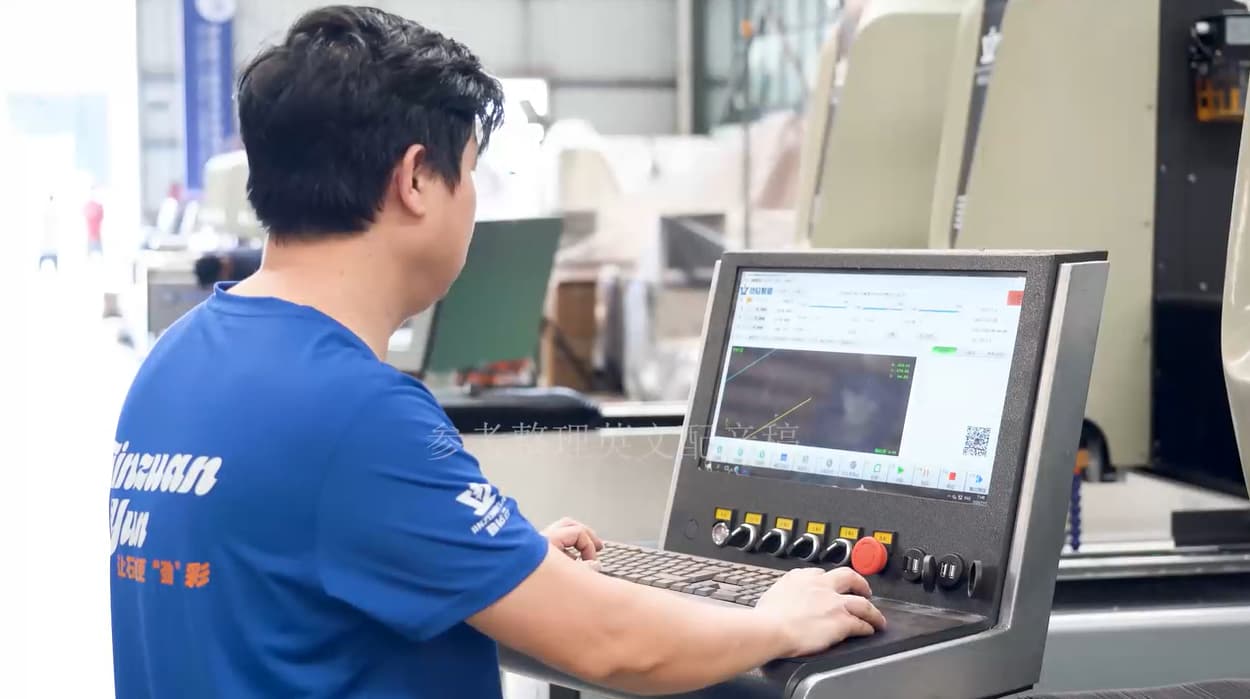
Lista de verificação recomendada para reinicialização
| Item de Inspeção | O que verificar | Ação recomendada |
|---|---|---|
| Limpeza de máquinas | Poeira, detritos, armário elétrico | Limpe bem antes de ligar. |
| Sistema de refrigeração | Qualidade e circulação da água | Substitua o líquido de arrefecimento e inspecione a bomba. |
| Lubrificação | Trilhos, fusos de esferas, bomba de lubrificação | Adicione lubrificante novo e teste o movimento. |
| Sistema Elétrico | Alarmes, interruptores de limite, parada de emergência | Verificar o funcionamento normal |
| Teste de movimento | Movimento do eixo e rotação do fuso | Aqueça por 5 a 10 minutos antes de iniciar o processo de usinagem. |
Por quanto tempo uma máquina CNC para pedra pode ficar ociosa?
Não existe uma resposta universal porque o ambiente importa.
De um modo geral:
| Tempo ocioso | Manutenção recomendada |
|---|---|
| Menos de 1 semana | Inspeção básica antes da operação |
| 1 a 4 semanas | Limpe, lubrifique e troque a água de refrigeração. |
| Mais de 1 mês | Procedimento completo de reinicialização, inspeção e aquecimento |
| Mais de 3 meses | Inspeção mecânica e elétrica completa antes da produção. |
A manutenção preventiva é melhor que o reparo.
Se sua máquina permanecer inativa por um longo período, uma pequena manutenção de rotina pode fazer uma grande diferença.
As boas práticas incluem:
Essas ações simples ajudam a manter a lubrificação, reduzir o acúmulo de umidade e manter o sistema elétrico em boas condições.
Erros comuns de reinicialização que você deve evitar.
Muitas falhas em máquinas após longos períodos de inatividade são causadas por simples descuidos.
Evite estes erros comuns:
Dedicar de 20 a 30 minutos à inspeção pode economizar horas — ou até mesmo dias — de tempo de inatividade inesperado.
Conclusão
Reiniciar um industrial fresa CNC para pedra Após um longo período de inatividade, não basta simplesmente apertar o botão liga/desliga. Poeira, fluido de corte degradado, lubrificação ressecada e problemas elétricos ocultos podem afetar a precisão da usinagem e a vida útil da máquina.
Seguindo um procedimento estruturado de reinicialização — que inclui a limpeza da máquina, a substituição do líquido refrigerante, a lubrificação das peças móveis, a inspeção do sistema de controle e o aquecimento adequado — você pode reduzir o risco de avarias dispendiosas e garantir que a máquina retorne à produção com segurança.
Para fabricantes que dependem de precisão consistente e tempo de atividade confiável, uma rotina de reinicialização cuidadosa é uma das práticas de manutenção mais simples e econômicas.
Deixe um recado
Digitalizar para Wechat :

Digitalizar para WhatsApp :






 Rede IPv6 suportada